Photo Puzzle turns a photograph into a jigsaw you can solve in your browser. Choose a picture, pick a difficulty, and drag and rotate the scattered pieces back into place. It is a small way to turn a familiar image into something to play with.
The 26-second walkthrough shows photo selection, difficulty setup, dragging a piece into place, correcting its rotation with the scroll wheel, tidying the remaining pieces, and finishing the puzzle.
From a photo to a puzzle
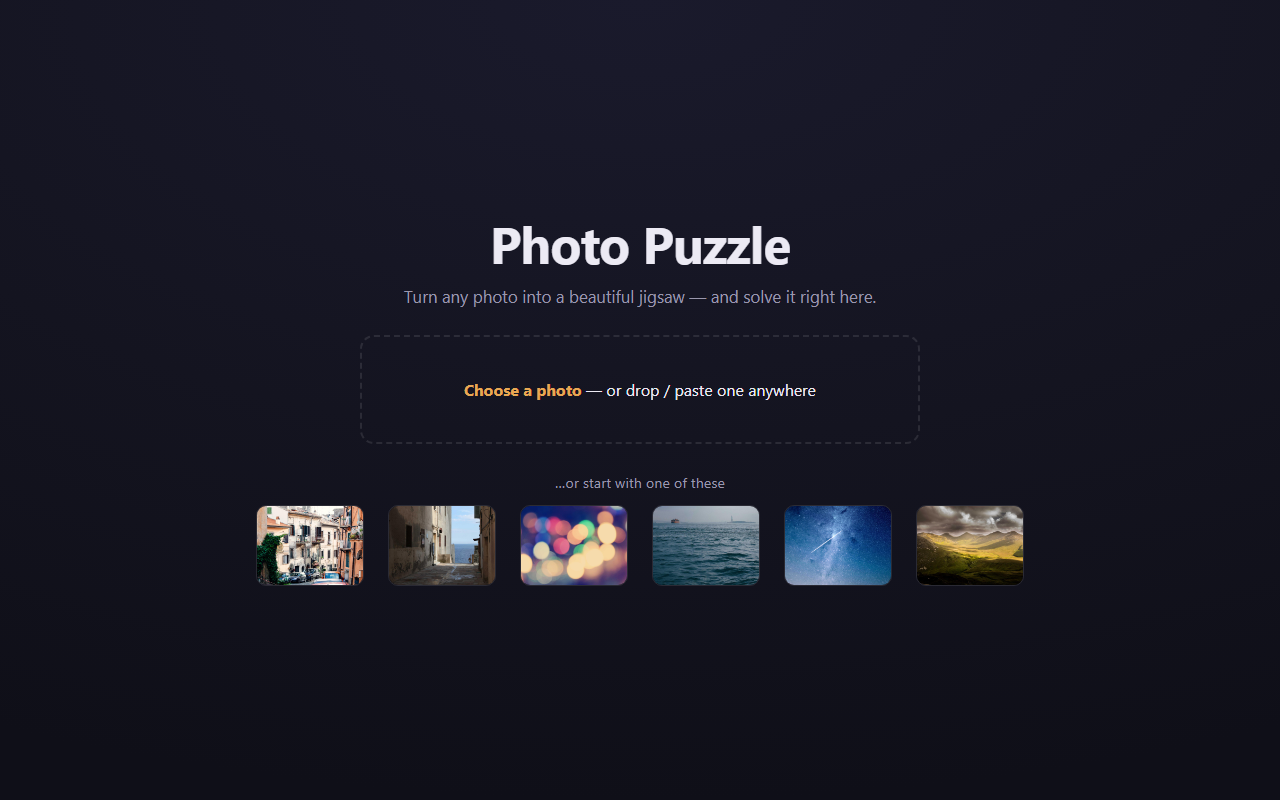
Start by dropping in your own photo or choosing one of six sample pictures. Photo processing and gameplay run on your device, with no account or backend required.
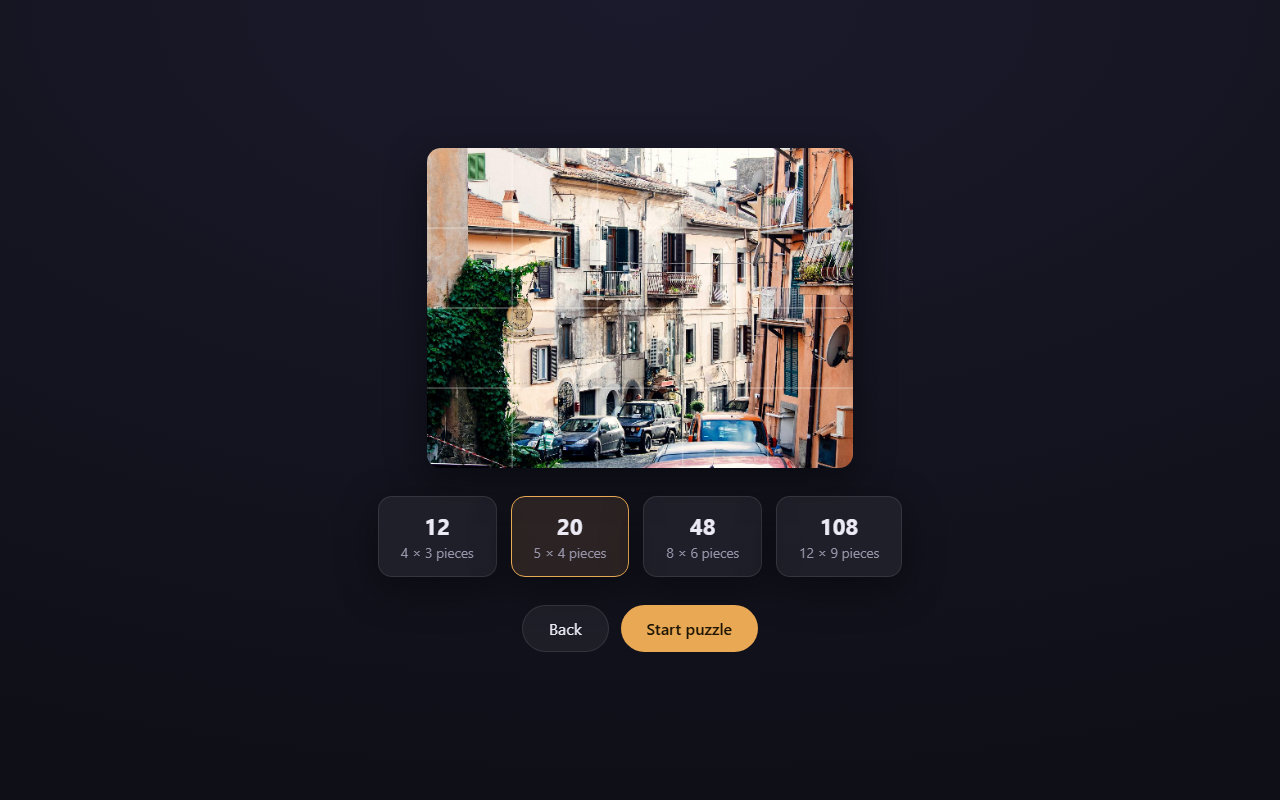
The setup screen overlays the cut grid on the chosen image, so you can see how the difficulty changes before starting. The example below offers puzzles from 12 to 108 pieces.
Putting it back together
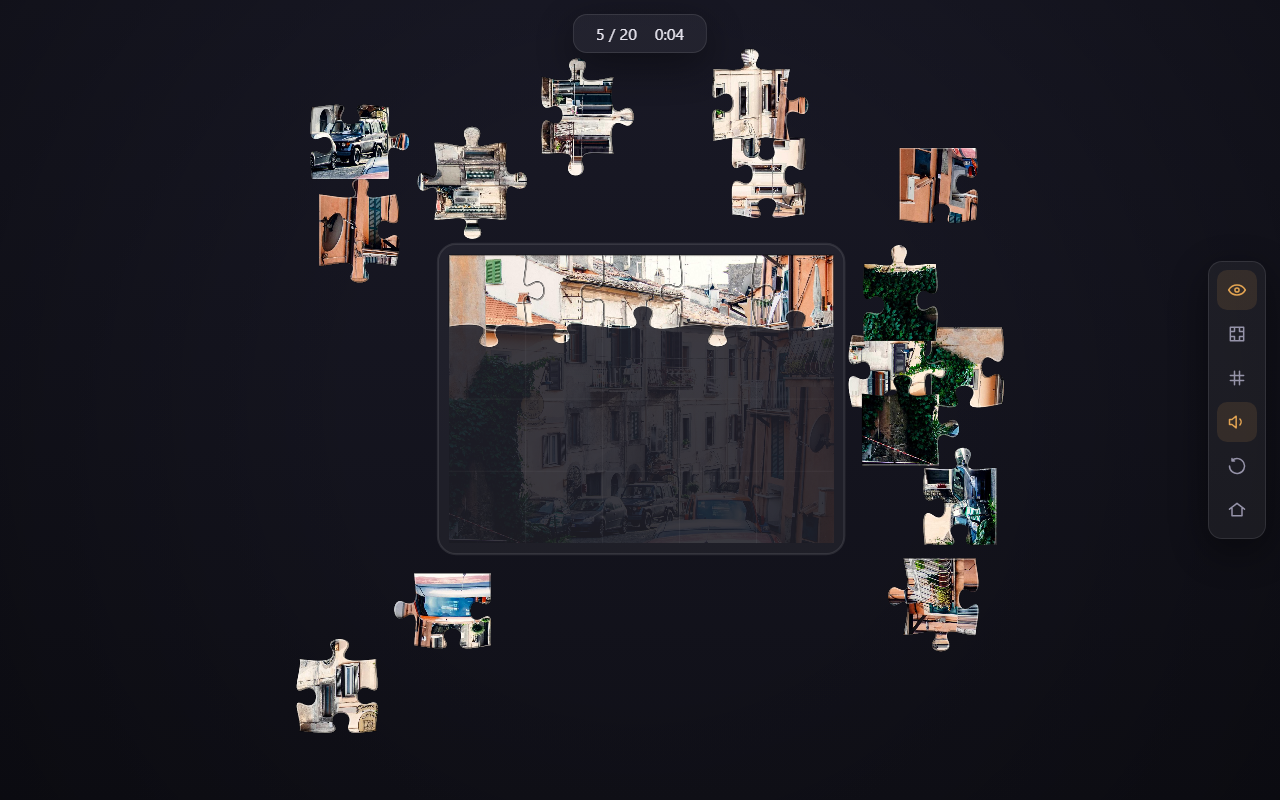
Loose pieces surround the board. A ghost image offers a reference, correctly placed pieces snap into position, and a compact counter tracks progress and elapsed time. Rotation adds another small challenge: recognising where a piece belongs is only part of getting it home.
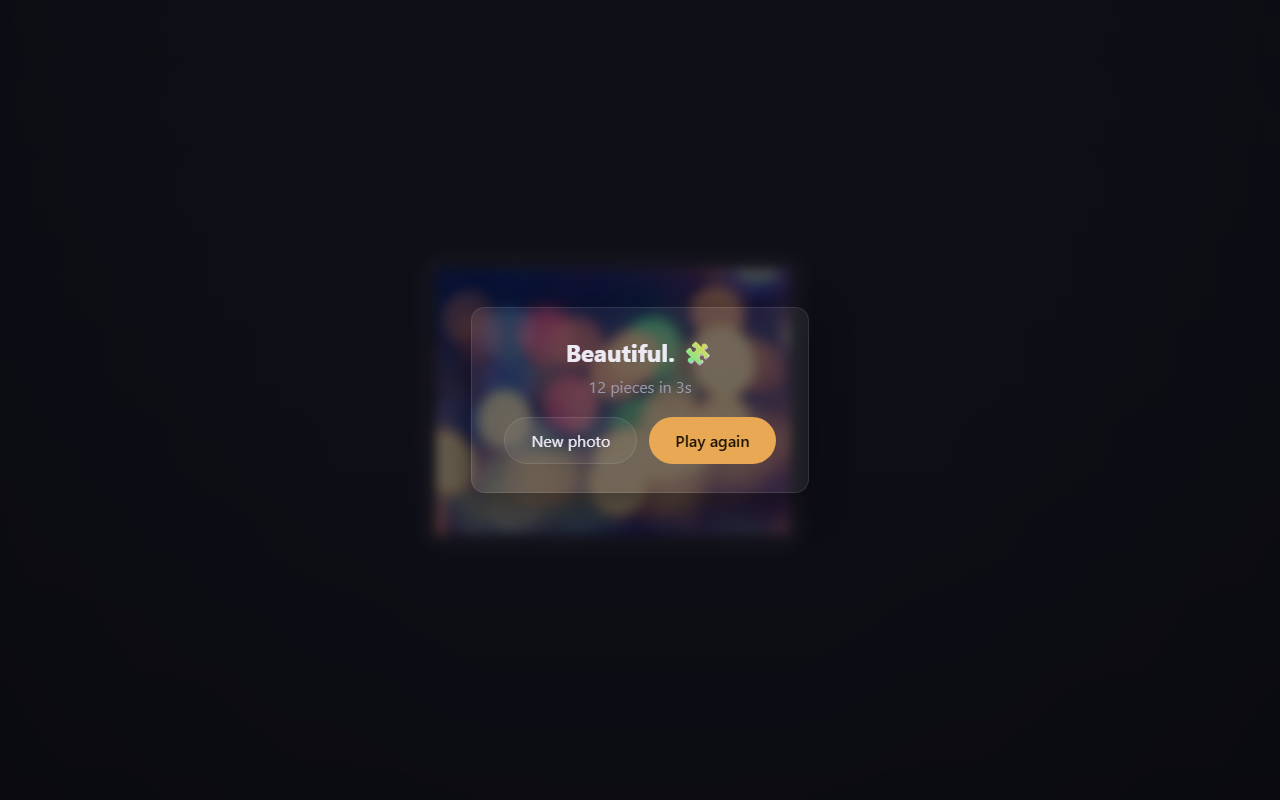
Once the final piece lands, the seams melt away to reveal the original photograph, followed by confetti and your solve time.
Building it
The app uses React, TypeScript, and Vite and is deployed as a static site on GitHub Pages. Keeping the puzzle in the browser makes it easy to start a game with a personal photograph without uploading that photograph to a server. The website is public; the source repository is private.